What Is a Transport Management System? (SME Guide)
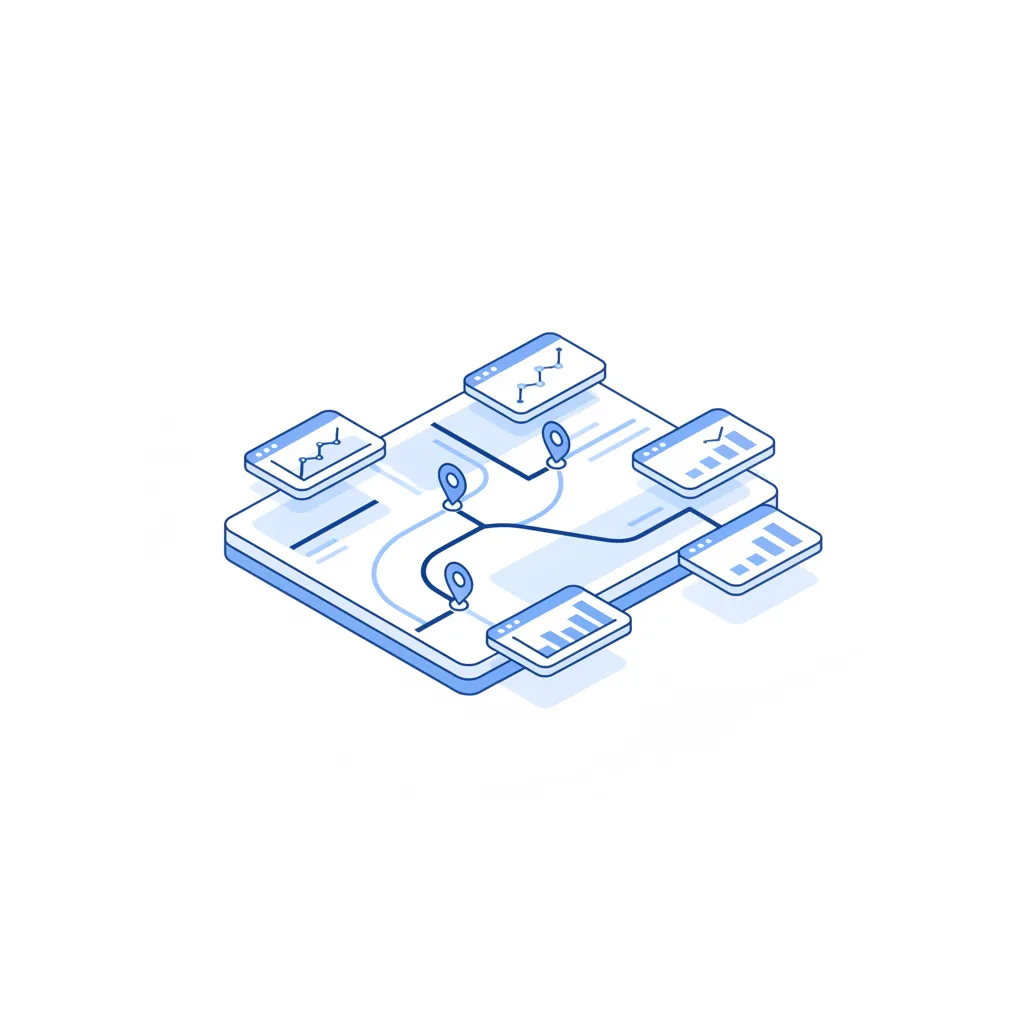
A transport management system is the software a company uses to plan, book, track and pay for moving goods — mostly road freight, in the Baltic context. Instead of juggling email threads, an Excel rate sheet and a stack of POD scans, a TMS keeps every load, quote and invoice in one place so you can see what's moving, who's carrying it and what it cost. For a small team running 20-60 loads a month, the real value is rarely "visibility" — it's getting an hour of your day back.
This guide is for the person who actually books the trucks: the dispatcher, the office manager, the owner who answers the carrier's call. We'll cover what a TMS does in plain terms, when you need a full one versus just a faster way to quote, and how a TMS differs from a freight exchange. There's a worked example at the end so you can see exactly where the time goes on 40 loads a month.
What a TMS actually does (in plain terms)
Strip away the brochure language and a TMS does one thing: it removes the manual copy-paste between the moment a load appears and the moment the invoice is paid. Every step in between — finding a price, choosing a carrier, sending the order, knowing where the truck is, matching the invoice — becomes a record instead of a message.
Here's what a TMS does for a typical shipment, in the order it happens:
- Captures the load — origin, destination, weight, pallets, loading meters, ready date, special needs (ADR, temperature, tail-lift).
- Gets a price — either from your own carriers or from saved rates, so you're not guessing.
- Tenders it — sends the request to one or more carriers and collects their quotes.
- Books and confirms — turns the chosen quote into a transport order with reference numbers.
- Tracks — shows the status: assigned, loaded, in transit, delivered.
- Settles — matches the carrier's invoice to the agreed price and the POD, then flags anything that doesn't line up.
Done by hand, that's six places to make a typo. Done in a system, it's one record that moves through stages. The point of tms software isn't to be clever — it's to make each load look the same as the last one so nobody has to remember how a particular shipment was set up.
The core jobs: planning, tendering, tracking, settlement
Most TMS products, big or small, organise around four jobs. Understanding these four is enough to judge any tool you're shown.
Planning
Planning is deciding what moves and how. For an SME this is usually simple: you have a load, you know roughly which lane it's on, you need a truck of the right type. Bigger TMS products add route optimisation, multi-stop consolidation and slot booking — useful at scale, overkill if you're sending full or part loads point-to-point.
A practical planning aid is knowing your loading meters before you tender, so carriers quote the same thing. Mixed pallet sizes and stackability decide whether a load is 6 LDM or 9 LDM — and that difference moves the price. Our loading-meters calculator does that maths so you don't tender a "half truck" that's actually three-quarters.
Tendering
Tendering is asking carriers for a price and picking one. This is where most SME time disappears — and where the spread is widest. When you send the same lane to five carriers you usually see a 15-30% spread on the quotes that come back, so the question is never "what's the rate" but "what's my rate today, from my carriers."
A good TMS lets you tender to several carriers at once and compare like-for-like. It should not force the carrier to register, log in or learn your software — that's friction that kills response rates on the carrier side.
Tracking
Tracking is knowing where the load is without phoning the driver. The honest version for road freight in the Baltics is status milestones — assigned, loaded, in transit, delivered — rather than a live GPS dot, because most subcontracted carriers won't share their telematics. A TMS that nags you for status updates is worse than useless; one that lets the carrier flip a status in two taps is realistic.
Settlement
Settlement is the unglamorous one that saves the most money: matching the invoice to what you agreed. Carriers occasionally bill the spot price instead of the booked price, or add a waiting-time line you didn't authorise. A TMS that holds the agreed rate next to the invoice catches the gap before you pay it.
| TMS job | What it replaces | Where SMEs feel it |
|---|---|---|
| Planning | Mental maths + Excel | Wrong truck type, re-tendering |
| Tendering | 10 separate emails | 15-30% price spread, slow replies |
| Tracking | "Where's my truck?" calls | Customer chasing you for an ETA |
| Settlement | Eyeballing PDFs | Overbilling slipping through |
Do you need a full TMS, or just a faster way to quote?
Be honest about which problem you have. A full transport management system for small business earns its keep when you're running enough volume that the records matter — when you need history, reporting, invoice matching and several people working the same loads. If your pain is narrower than that, a full TMS is a lot of setup for a small win.
Ask yourself which of these is true:
- "I lose time getting prices." You mostly need fast, side-by-side quotes from carriers you already trust. That's a tendering tool, not a full TMS.
- "I lose track of loads in flight." You need status tracking and a shared view — the middle of a TMS.
- "My invoices don't match and my reporting is guesswork." You need settlement and history — the full thing.
Most Baltic SMEs start at #1. The slowest, most repetitive part of the day is firing the same load out to several carriers and waiting. Fix that first; it's the cheapest hour to win back. A quick way to sanity-check a carrier's number before you accept it is our freight-rate calculator, which gives you a EUR/km benchmark for the lane so a quote that's 20% high stands out immediately.
If quoting is your bottleneck, you don't have to swallow a whole TMS to fix it. Quote freight in 60 seconds with your own carriers — see if UMERA fits your lanes.
TMS vs freight exchange vs RFQ tool (we are not a marketplace)
This is the distinction that confuses most buyers, so let's be blunt about it. UMERA is not a freight exchange. We are not a load board. If you're looking for TIMOCOM, Trans.eu or a Cargoson-style marketplace to find new carriers off a public board, that's a different category of product.
A freight exchange is a marketplace: you post a load to a pool of strangers, or you browse loads as a carrier looking for backhaul. It's how you find capacity you don't already have. The trade-off is that you're transacting with carriers you may not know, at board prices, with the marketplace in the middle.
A TMS manages the freight you already run, with the carriers you already use. It's about operating, not discovering.
An RFQ / quoting tool sits inside that: it's the tendering step done well — send a request, get prices back, choose one — without the overhead of a full TMS or the strangers of an exchange.
| Freight exchange | TMS | RFQ / quoting tool | |
|---|---|---|---|
| Main job | Find new capacity | Operate your freight | Get prices fast |
| Carriers | Strangers on a board | Your own carriers | Your own carriers |
| Pricing | Board / spot | Your negotiated rates | Your negotiated rates |
| Carrier sign-up | Account required | Often required | None — magic link |
| Good when | You're short on trucks | You run steady volume | Quoting eats your day |
UMERA sits in the RFQ-tool column. Carriers quote through a no-account magic link — no registration, no login, no learning your software. That single design choice is why carriers actually reply: there's nothing between the email and the quote.
What a Baltic SME should look for (and what's enterprise bloat)
Vendors aimed at multinationals will show you features you'll never touch. Here's the honest split between what a 20-60-loads-a-month operation needs and what's there to impress a procurement committee.
Worth paying for:
- Fast multi-carrier tendering — one load out to several carriers, prices back in one view.
- No carrier account required — the lower the friction on the carrier's side, the faster and more complete your quotes.
- Quote history per lane — so you know whether €1.10/km is good or robbery on Vilnius→Hamburg.
- EUR-first, multi-country — Baltic freight crosses borders constantly; the tool has to think in EUR and in cross-border terms by default.
- Invoice-vs-agreed matching — even a simple flag catches overbilling.
Usually enterprise bloat for an SME:
- Deep route optimisation — matters at hundreds of loads and own fleets; noise for point-to-point subcontracting.
- WMS / yard / dock-scheduling modules — that's warehouse software wearing a TMS badge.
- Carrier scorecards and SLA dashboards — you already know who's reliable; you talk to them.
- Custom EDI integrations — heavy, slow to set up, and rarely worth it under serious volume.
- Forced carrier onboarding portals — every login you impose is a quote you don't get back.
The test is simple: does the feature save you time this month, or does it exist to make the software look complete? If you can't picture using it next week, it's bloat.
General information only — not customs, tax or legal advice. Cross-border road freight may involve customs, VAT and duty obligations that depend on the goods, route and Incoterms; confirm those with a qualified adviser.
A worked example: 40 loads/month, where the time goes
Let's make it concrete. Say you book 40 loads a month, a typical mix of full and part loads on lanes like Vilnius→Hamburg, Kaunas→Warsaw and Riga→Rotterdam. Here's roughly where the hours go when you quote and book by email, versus with a quoting tool that tenders to your own carriers at once.
The manual way, per load:
- Write the load details into an email — 4 min
- Send to 5 carriers separately — 3 min
- Chase the two who didn't reply — 5 min
- Read replies, line up the prices by hand — 6 min
- Pick one, send the order, confirm — 4 min
That's about 22 minutes per load of active handling, ignoring the dead time waiting for replies.
The quoting-tool way, per load:
- Enter the load once, send to your carriers in one action — 4 min
- Quotes land in one comparable view — 0 min of your time
- Pick one, it becomes the order — 3 min
That's about 7 minutes per load.
| Manual (email) | Quoting tool | Saved | |
|---|---|---|---|
| Minutes per load | 22 | 7 | 15 |
| 40 loads/month | 14.7 hrs | 4.7 hrs | 10 hrs |
| 12 months | 176 hrs | 56 hrs | 120 hrs |
Ten hours a month is more than a working day back — most of it the tedious copy-paste-and-chase part, not the judgement part. Now the money side. On a Vilnius→Hamburg run of roughly 1,100 km, a part load of 6 LDM / ~7,000 kg might quote anywhere from €1.05 to €1.35 per km depending on the carrier and the week:
- Low quote: 1,100 km × €1.05 = €1,155
- High quote: 1,100 km × €1.35 = €1,485
- Spread on a single load: €330 (about 25%)
You only see that €330 gap if you collect several quotes side by side. Across 40 loads a month, capturing even part of that spread is real margin — and it's exactly the spread you can't see when prices arrive one email at a time. Benchmark the lane first with the freight-rate calculator, confirm the load size with the loading-meters calculator, then tender — and the high quotes flag themselves.
FAQ
What does a TMS do in one sentence?
A TMS keeps every load's price, booking, status and invoice in one record so you stop copy-pasting the same shipment across email, Excel and PDFs. For a small team the headline benefit is time saved on quoting and chasing, not enterprise-grade "visibility."
Is a transport management system the same as a freight exchange?
No. A freight exchange (TIMOCOM, Trans.eu, and similar) is a marketplace for finding new carriers you don't know, at board prices. A TMS operates the freight you already run with carriers you already use. UMERA is neither a load board nor a marketplace — it's a quoting tool where your own carriers quote via a no-account magic link.
Do I need a full TMS for a small business?
Often not. If your main pain is the time lost getting and comparing quotes, a focused quoting/RFQ tool fixes that without the setup of a full transport management system for small business. Reach for a full TMS once invoice matching, reporting and multi-user history genuinely matter — usually at higher, steadier volume.
How much time can tms software realistically save?
In the worked example above, moving 40 loads a month from email tendering to a one-action quoting tool cut active handling from about 22 to 7 minutes per load — roughly 10 hours a month. Your numbers will differ, but the saving concentrates in the repetitive send-and-chase steps, which is the part worth automating.
Will my carriers have to create an account?
They shouldn't have to. Forced carrier sign-up is the single biggest reason quotes come back slow or incomplete. UMERA carriers quote through a magic link — no registration, no login — which is why response rates hold up. Any tool that makes carriers learn your software is costing you quotes.
How do I know if a carrier's quote is fair?
Benchmark the lane before you accept. Work out the EUR/km for the route with the freight-rate calculator and confirm the load's loading meters with the loading-meters calculator, so you're comparing like-for-like. When you collect several quotes at once, a number that's 20-30% high stands out on its own.
Vežk protingiau su UMERA
Įklijuok užsakymą - UMERA paruoš RFQ ir išsiųs jį tavo vežėjams per 60 sekundžių.